The first step is to access your cPanel account. If you need help with this please see this article.
Click on "Select PHP Version" under "Software" in your cPanel. You can also use the white search box on the top right of the page. You would search for something like 'PHP' to filter the options to PHP related items.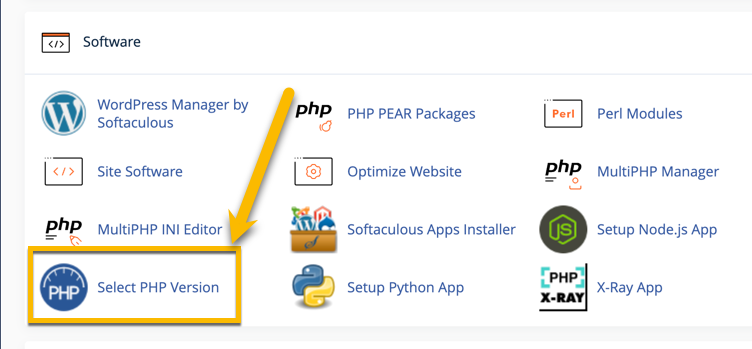
Choose the PHP version that you wish to enable or disable extensions for and then check or uncheck the boxes for the extensions you wish to enable or disable.
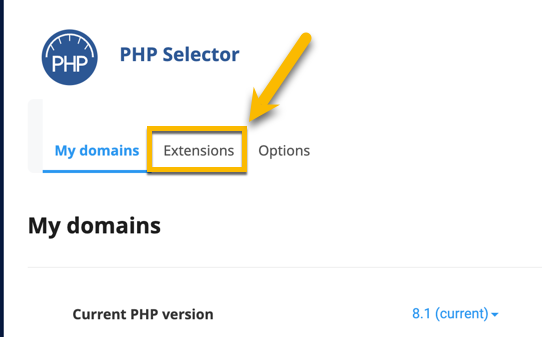
Your changes will autosave once you select the PHP extensions you require. If you have any issues please don't hesitate to reach out to our support.